Description
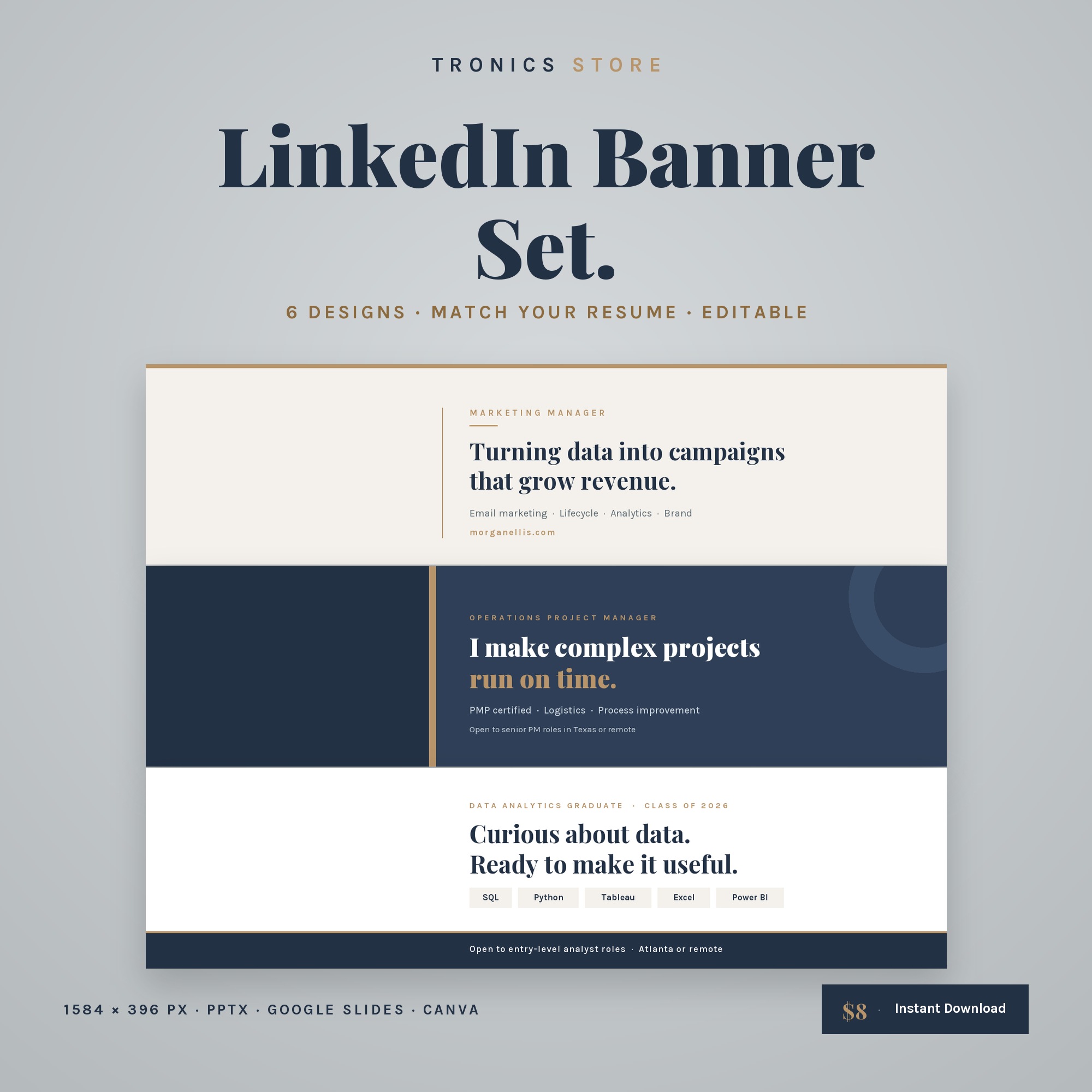
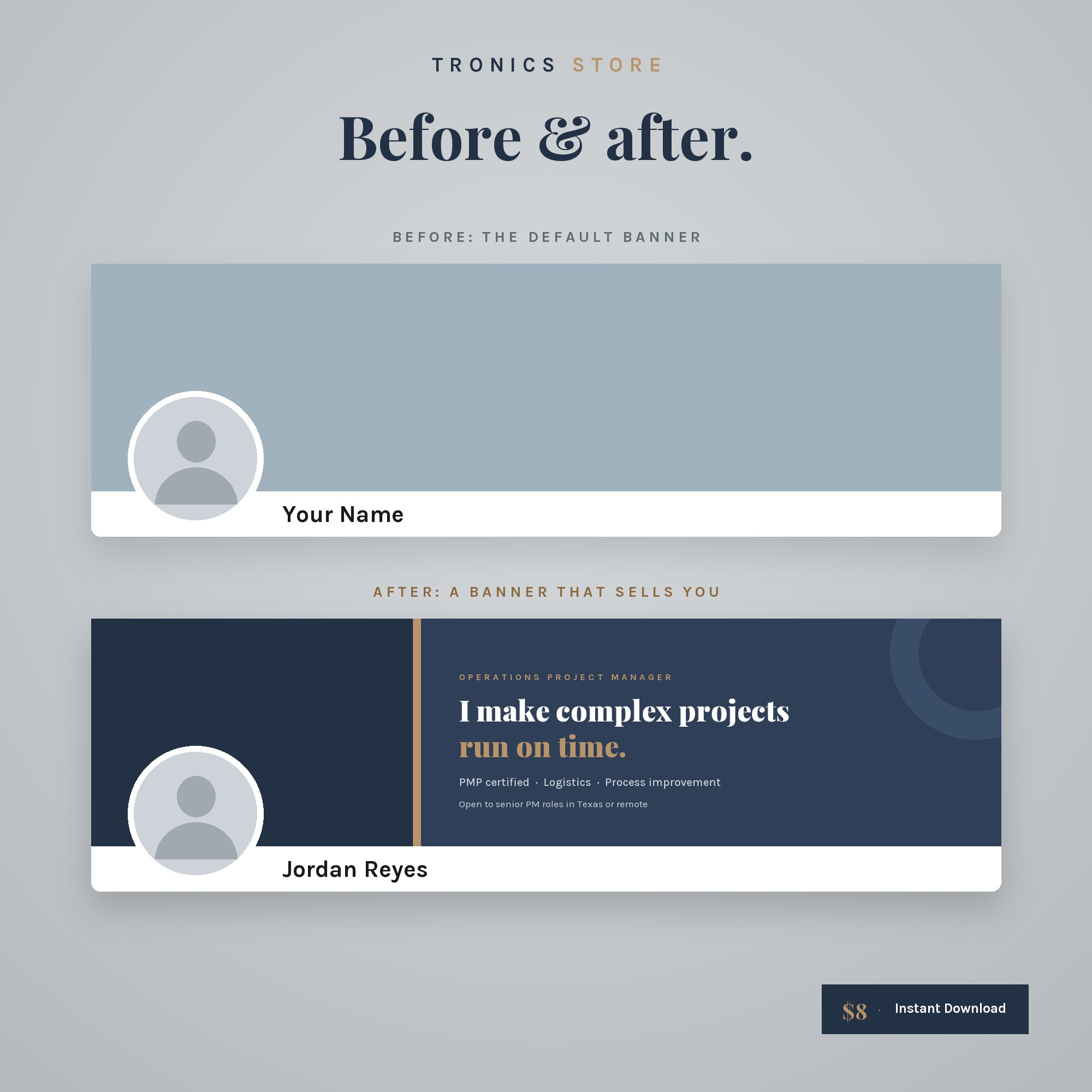
A LinkedIn banner is the 1584 × 396 pixel background image at the top of your LinkedIn profile. This set includes 6 professional banners in 3 styles, editable in PowerPoint, Google Slides, Keynote and Canva, designed to match the ATS Resume Bundle.
Instant download. No physical item will be shipped.
What’s inside these LinkedIn banner templates
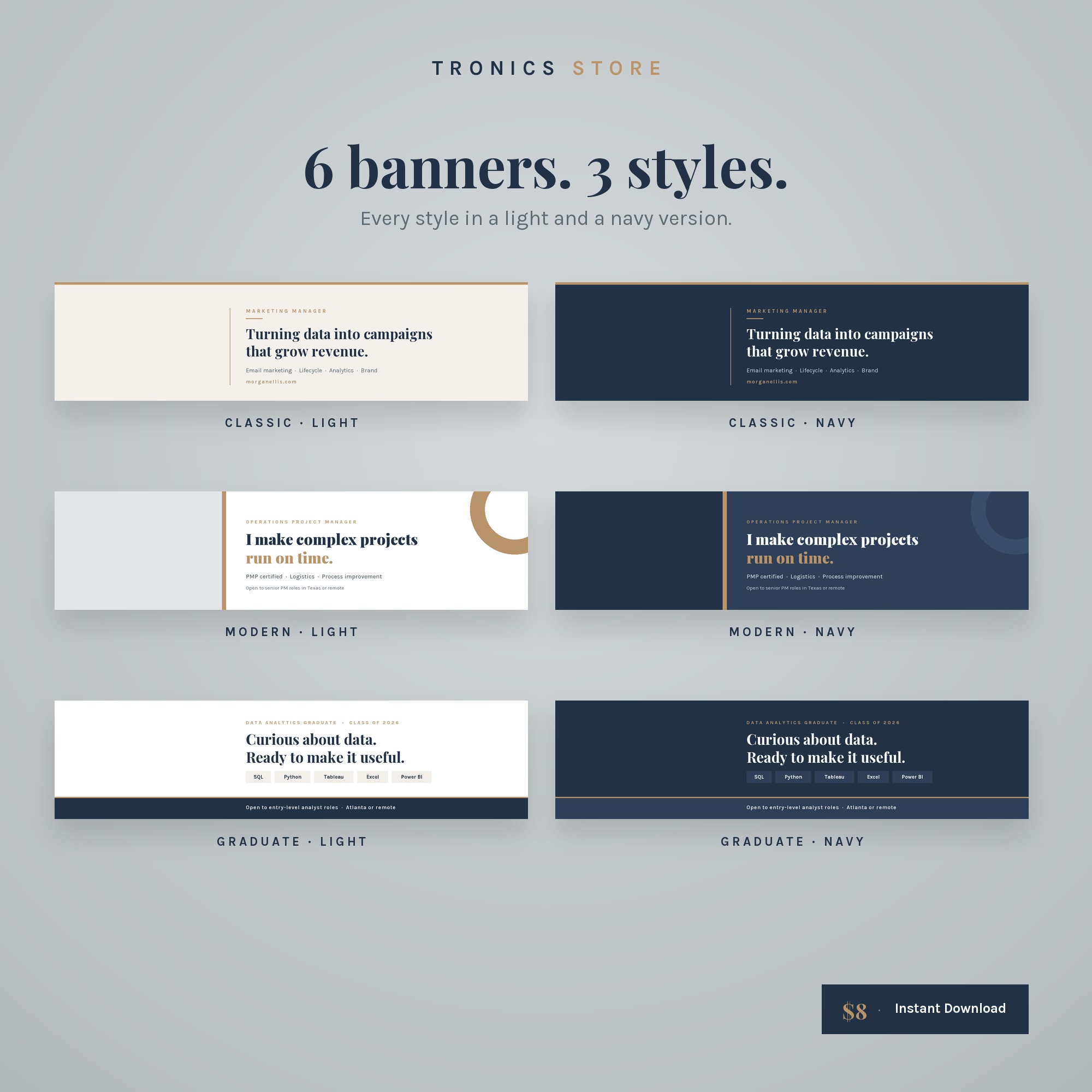
- 6 banners: Classic, Modern and Graduate styles, each in light and navy
- Exact LinkedIn size: 1584 × 396 px
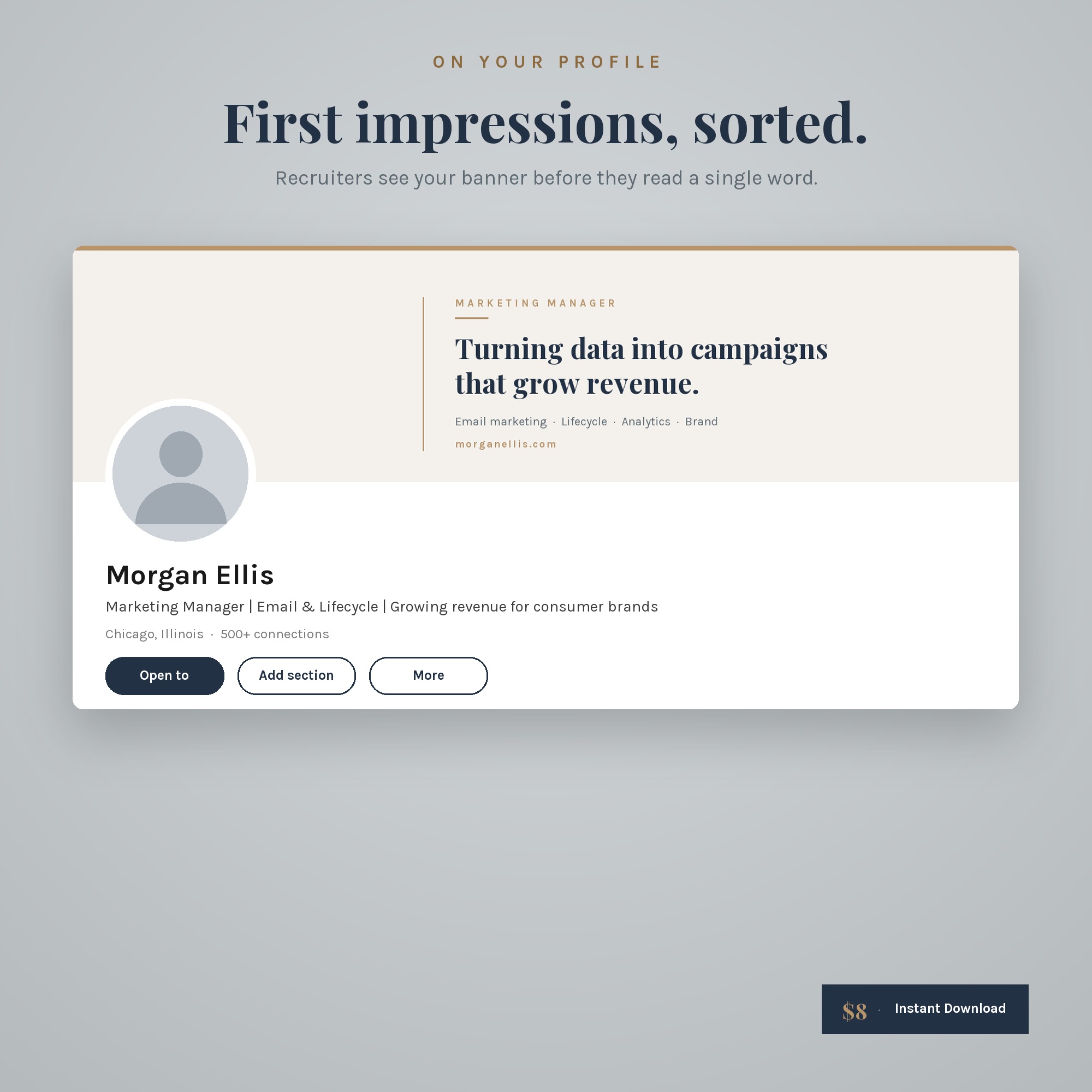
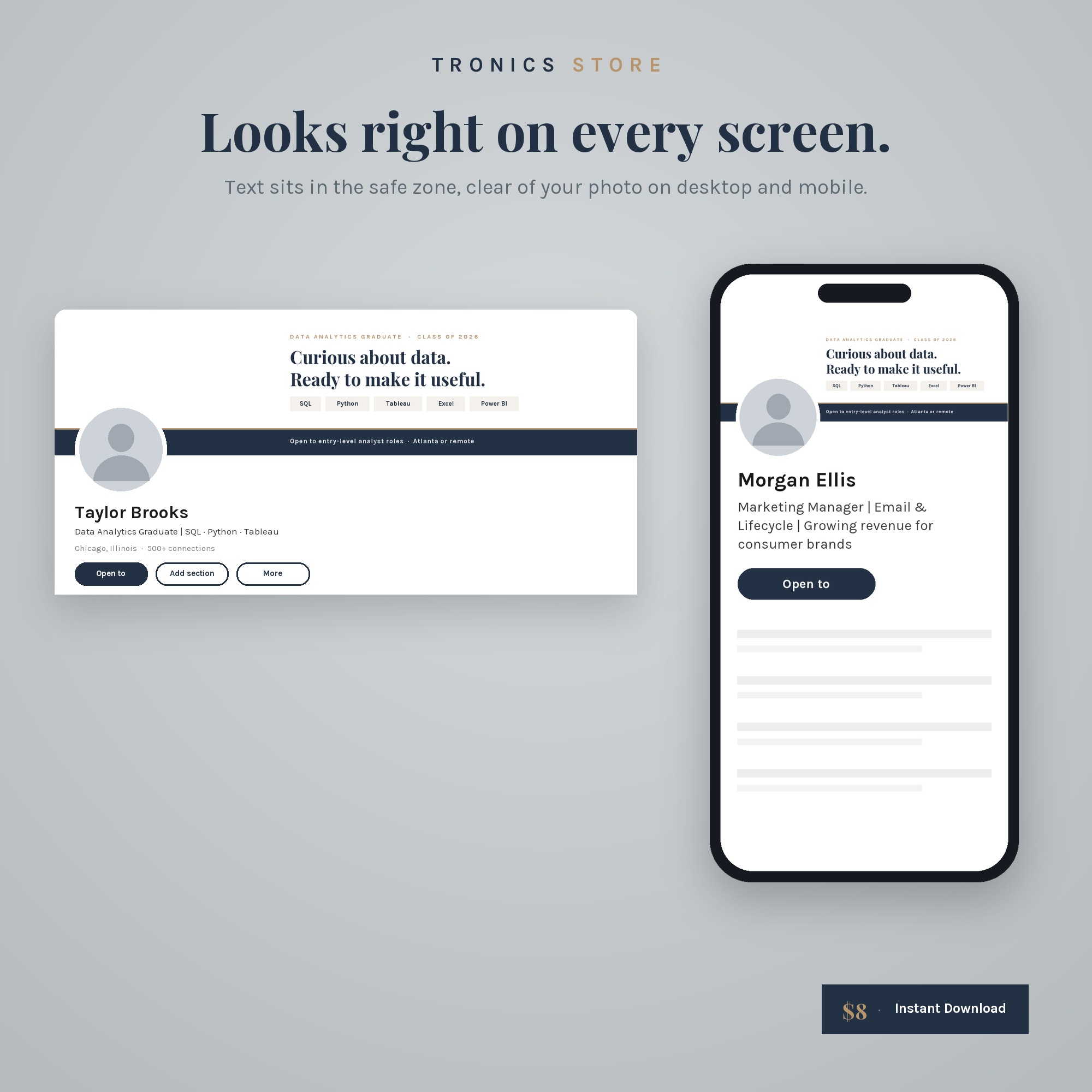
- Text sits in the safe zone, clear of your profile photo on desktop and mobile
- Editable .pptx: change any text in PowerPoint, Google Slides, Keynote or Canva
- Ready-to-upload PNG examples
- Free fonts included (Playfair Display + Karla)
- Step-by-step guide: what to write, how to edit, how to upload
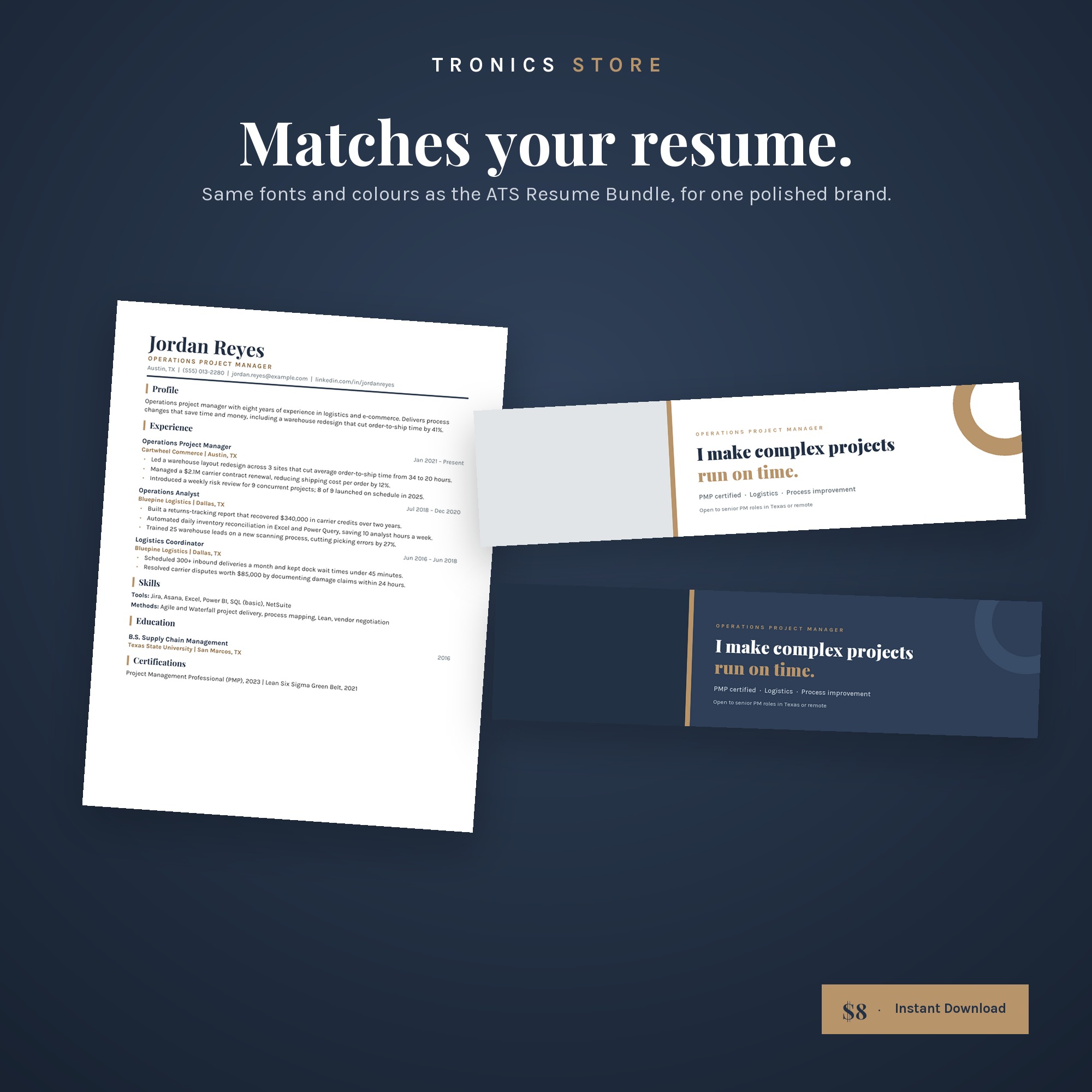
- Matches the fonts and colours of the ATS Resume Bundle
Format
6 PNG files + editable PowerPoint .pptx + fonts + PDF guide. Edit in PowerPoint, Google Slides, Keynote or Canva (via Import).
How to edit the LinkedIn banner templates
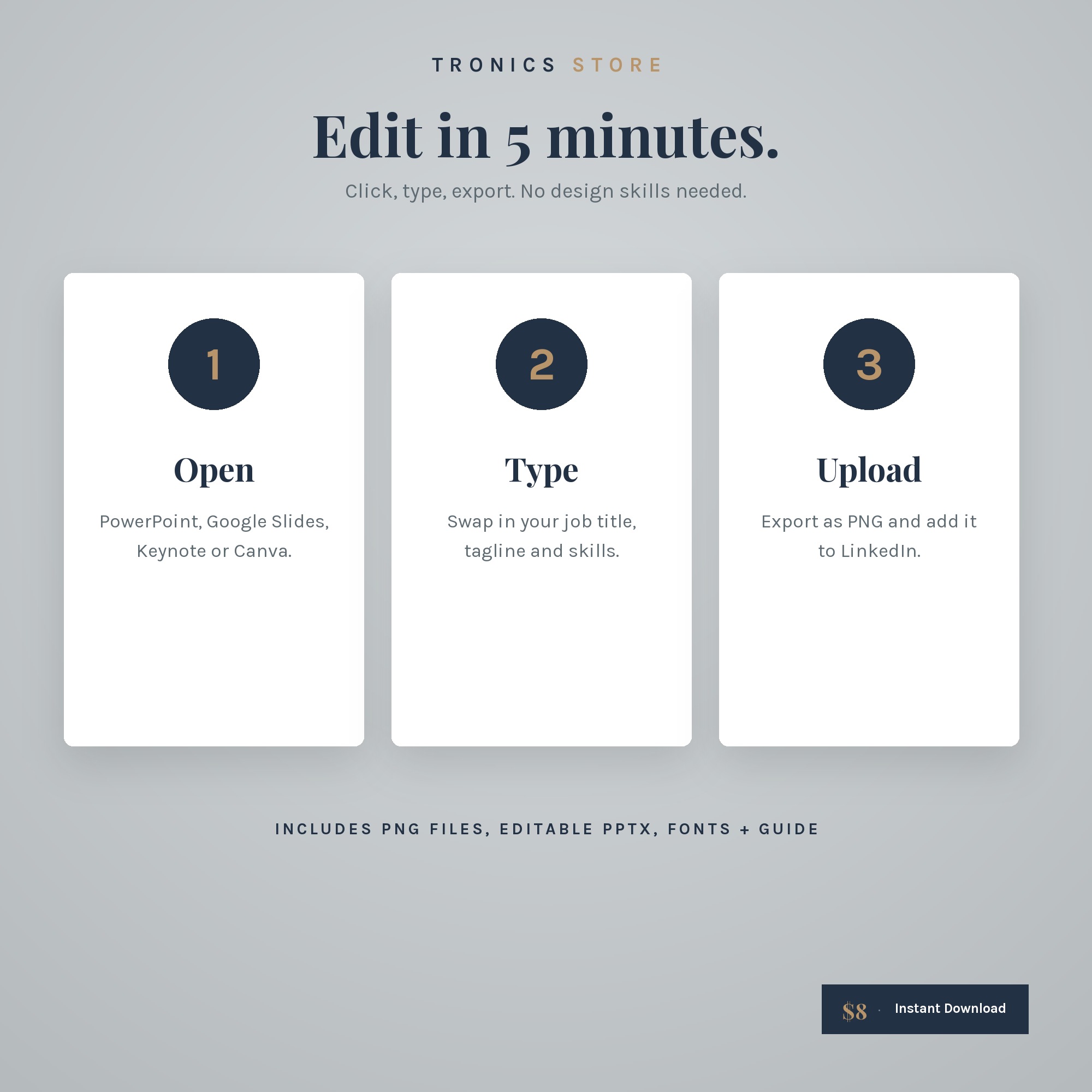
- Open the .pptx in PowerPoint, Google Slides or Canva.
- Click any text and type your job title, tagline and skills.
- Export as PNG and upload it as your LinkedIn background photo.
LinkedIn banner templates: key facts
- Product: LinkedIn Banner Set by Tronics Store
- Banners: 6 (3 styles × light and navy)
- Size: 1584 × 396 px, LinkedIn’s recommended size
- Editable in: PowerPoint, Google Slides, Keynote, Canva
- Matches: Tronics Store ATS Resume Bundle
- Price: $8 USD, instant download
- Not affiliated with or endorsed by LinkedIn
LinkedIn banner templates FAQ
What size is a LinkedIn banner?
LinkedIn recommends 1584 × 396 pixels (4:1), under 8 MB, in PNG or JPG. Every banner here is exactly that size.
Can I edit these in Canva?
Yes. In Canva, choose Create a design, then Import file, and select the .pptx. The fonts used are available in Canva.
Will my profile photo cover the text?
No. All text is placed in the right-hand safe zone, clear of the photo on desktop and mobile.
Do I need design skills?
No. Click, type and export. Most people finish in about 5 minutes.
Is this a physical product?
No. It’s an instant digital download.
Save with the bundle: get this and 5 more tools for $35 in the Complete Job Search Kit (worth $62).
For personal use only. Please don’t resell or share the files.
Reviews
There are no reviews yet.